Cars vs Trains! Codes (November 2026)
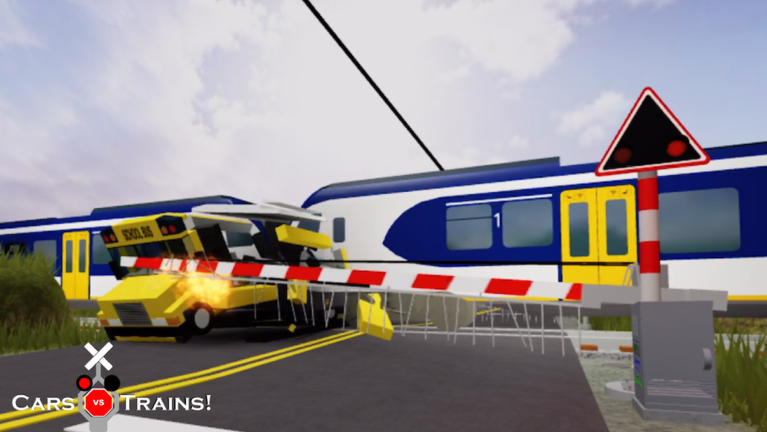
Official Roblox title: Cars vs Trains! [Switzerland!!]
Hopen111Simulation65 live players
Active Cars vs Trains! Codes (0)
No active codes detected yet
RoMetric's automated discovery engine continuously checks Cars vs Trains!'s official Roblox description, developer group announcements, official Trello boards, Fandom & Wiki.gg databases, and partner feeds. New codes will appear here automatically as soon as they drop.
How to Redeem Cars vs Trains! Codes
- Launch Cars vs Trains! on Roblox (PC, mobile, or console).
- Open the in-game Codes menu (usually found on the side HUD, shop icon, gift box, or settings gear).
- Copy an active code above using the one-tap copy button and paste it into the text field.
- Press Redeem or Confirm to claim your in-game reward immediately.
Cars vs Trains! Codes FAQ (November 2026)
Are there any working Cars vs Trains! codes in November 2026?
There are no active Cars vs Trains! codes confirmed right now for November 2026. RoMetric automatically monitors Cars vs Trains! every few hours and adds new promo codes as soon as the developers release them.
How do I redeem Cars vs Trains! codes on Roblox?
Open Cars vs Trains! in Roblox, look for the Codes button (often a Twitter/X bird icon, gift box, settings gear, or shop menu on the side of the screen), paste one of the active codes from RoMetric exactly as shown, and press Redeem to claim your reward.
Why is my Cars vs Trains! code not working?
Roblox promo codes for Cars vs Trains! are usually case-sensitive and expire without warning after events or updates. Copy the code directly with the one-tap Copy button so there are no extra spaces, and check that it is not listed under Expired Codes.
RoMetric never automates player accounts to redeem codes and never invents rewards or expiry dates. Status labels reflect what the listed provider or a verified RoMetric administrator last confirmed.
Related Roblox Games With Codes
All Codes
Bubble Gum Simulator
Simulation · 1,107 CCU
Arm Wrestle Simulator
Simulation · 1,681 CCU
Saber Simulator
Simulation · 1,942 CCU
Rebirth Champions: Ultimate
Simulation · 6,917 CCU
Pull a Sword
Simulation · 595 CCU
Anime Fighting Simulator
Simulation · 2,175 CCU